 ↗
↗COMMERCIAL
DragLaser at a glance
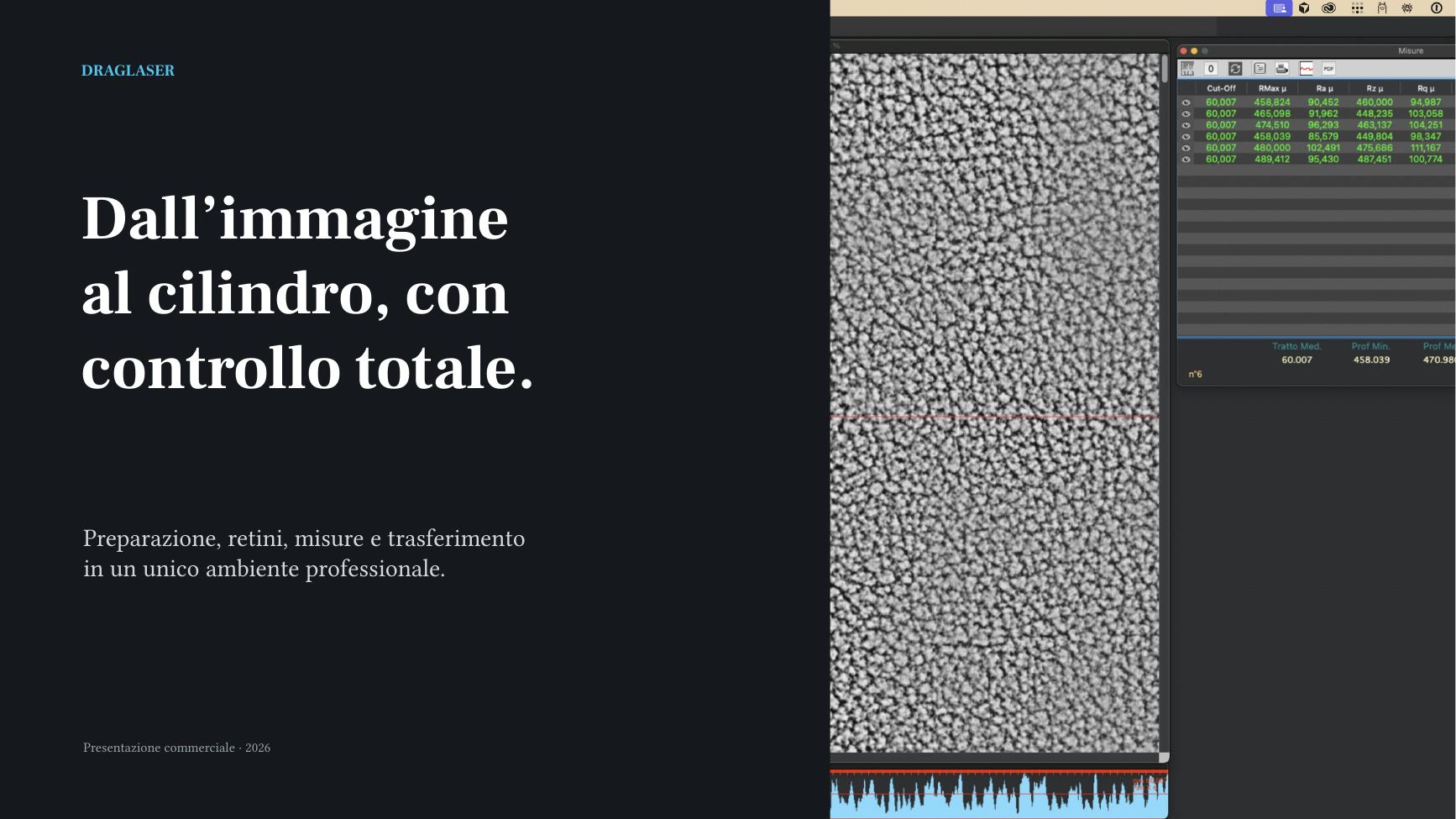
Value, workflow and applications: a clear overview of what DragLaser can do.
15 pages · English PDF · 4.8 MBSOFTWARE FOR INDUSTRIAL ENGRAVING
DragLaser is specialist prepress software for preparing images for direct laser engraving of embossing and gravure cylinders. Image processing, screens, textures, cylinder layout, measurements and preparation of the machine data: everything in one working environment.

With the built-in AI assistant, you can consult the documentation, get answers and call available functions, including by voice.
EXPERIENCE AND DEDICATION
DragLaser is built on long-standing hands-on experience in the engraving industry. For more than 20 years, its development has combined knowledge gained on the job with a passion that has grown over time.
DragLaser is software born from a deep knowledge of the craft, production processes and the needs of people who engrave every day. Marco Monzani, creator of DragLaser and co-founder with his wife Simonetta Crinella of the Roll Platex company, a reference in the engraving of embossing and calendering cylinders, turned that experience into technology: every feature solves a concrete problem and makes the workflow simpler, more precise and repeatable.
After years of use in production, DragLaser has reached a maturity that makes it available to a broader market: the same logic born at Roll Platex, now accessible to anyone who prepares cylinders and textures professionally.
DragLaser: an engraver’s experience, transformed into a professional software solution.
ONE WORKFLOW
Every stage stays in the same context, from the original file to the verified delivery.
Clean and transform images using layers, curves, screens, textures, morphology and vectorisation.
→Read depth, roughness, distances, density, flatness and volume alongside the image.
→Cylinder layout: adapt the artwork to the cylinder diameter and table. Control scale, tiling, rotation and offset in one panel.
→Check the machine-ready TIFF output and send it to the workstation or network volume through a repeatable workflow.
→LEARN MORE
Open the presentations in your browser or download them for offline viewing.
↗COMMERCIAL
Value, workflow and applications: a clear overview of what DragLaser can do.
15 pages · English PDF · 4.8 MB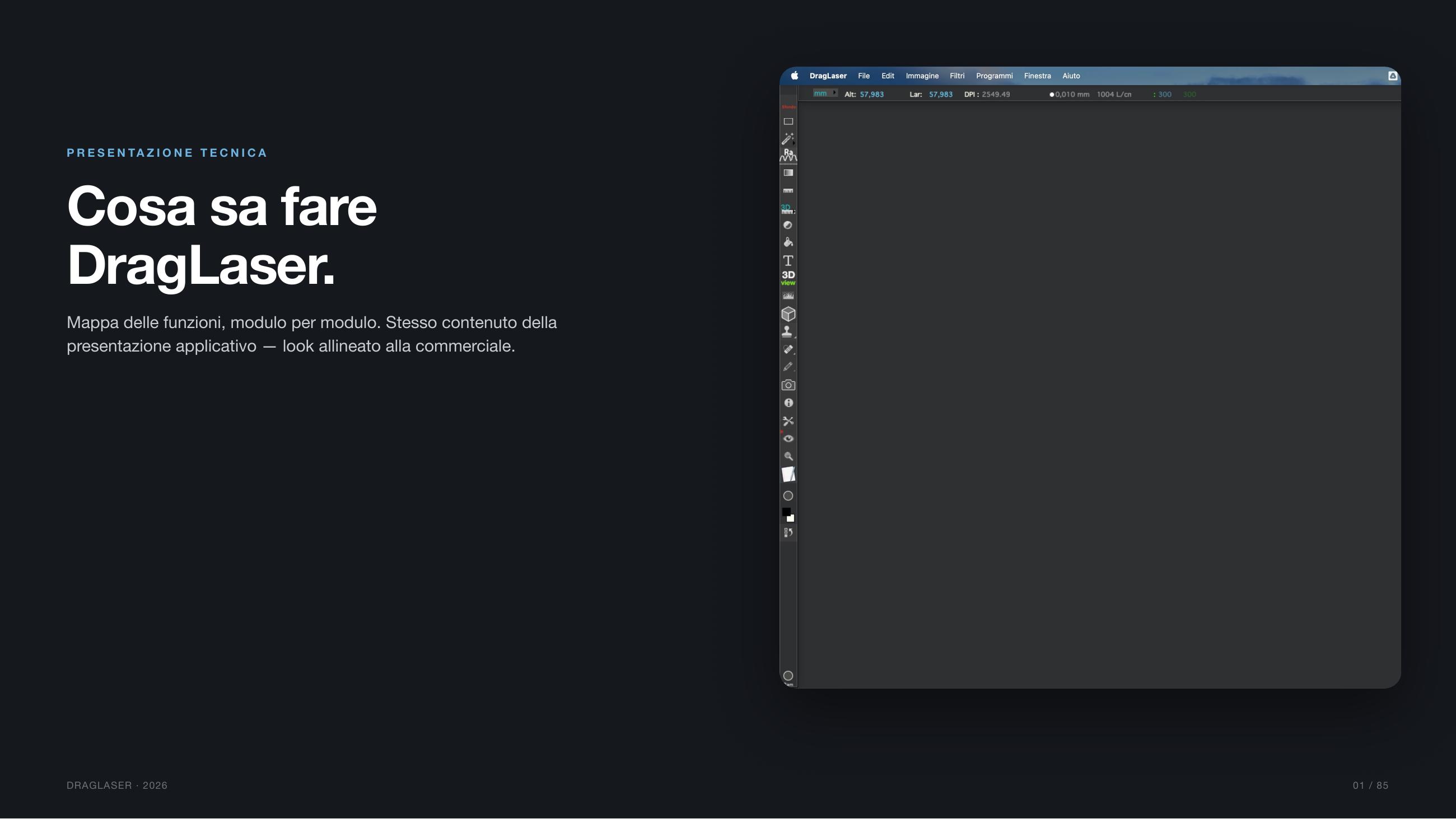 ↗
↗TECHNICAL
Features, controls and tools for preparation, screening, measurement and machine transfer.
86 pages · English PDF · 49 MBQUICK GUIDES
See how to prepare and transfer layers
See the procedure in DragLaser
See the measurements in DragLaser
DRAGLASER 1.3
Desktop version for macOS Sonoma 14.x or later, and for Windows 10/11.